



Module 03 · Dashboard designs
A GHL dashboard designer for the screen clients open first
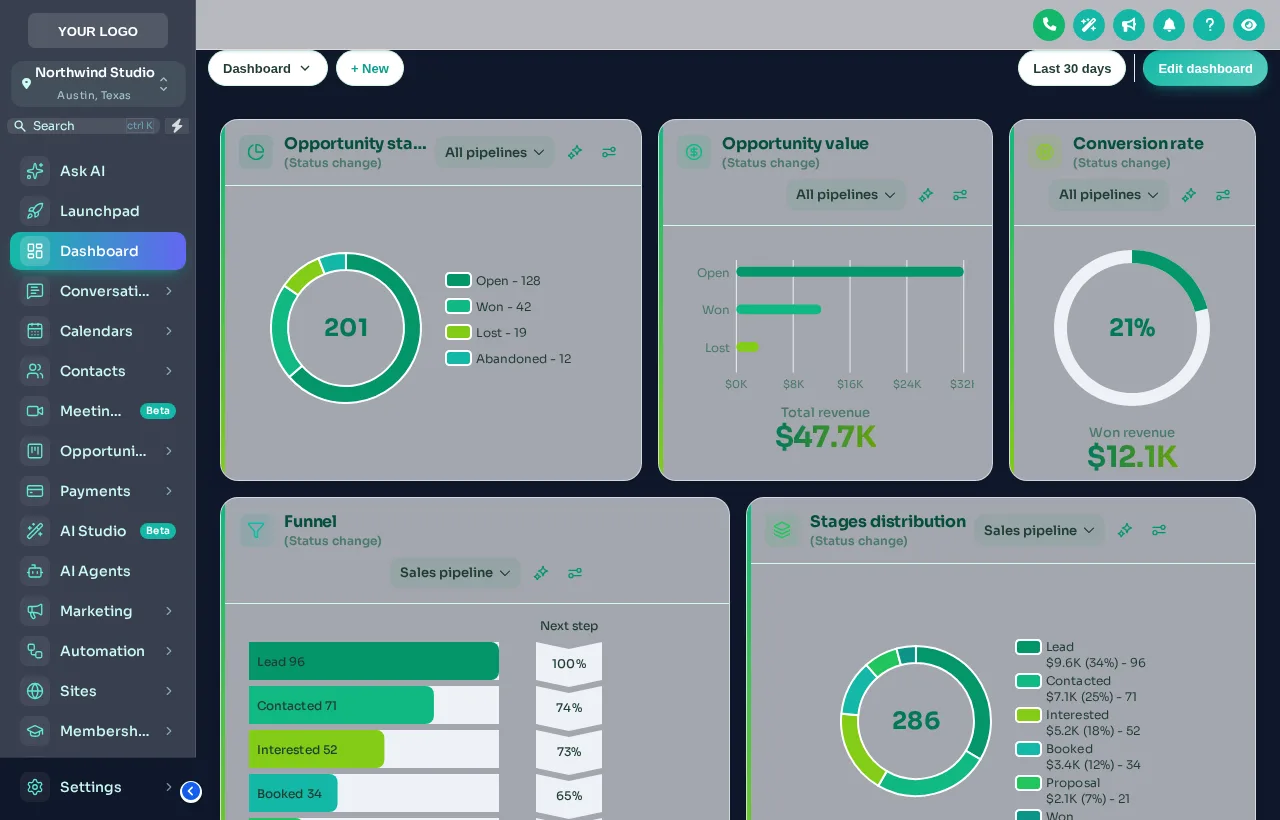
Every client lands on the same grey GoHighLevel dashboard. The designer gives it a welcome banner with their name, styled widget cards and chart colours in your palette: 18 designs to start from, all editable.
One-time payment, lifetime accessLogin within minutes, at most 24 hours
- Light
- 9
- Dark
- 3
- Photo
- 6
What the dashboard designer styles
Eight things change, and none of them touch your data.
Welcome banner
First name, sub-account name, date, a live clock and quick links, in gradient, photo, glass or minimal styles.
Photo backgrounds
6 designs built around a photo. Use your own and set how much shade keeps text readable.
Particles
Dots, a connected network, bubbles or stars behind the widgets or in the banner.
Widget cards
Background, border, radius, shadow, hover, frosted glass, accent stripes and card headers.
Chart colours by position
Colours follow stage order, so they fit any pipeline whatever its stages are called.
Light and dark
9 light and 3 dark designs, with the top bar and filters styled to match.
Try it live
All 18 dashboard designs, live
Filter by light, dark or photo, then click a design and the sample dashboard changes instantly. The clock is live. Swap the sidebar theme underneath to see how the two combine.
Loading the live preview
Emerald Finance Each design is one of the real dashboard templates applied to a copy of the GoHighLevel dashboard. The clock is live and the chart colours belong to the design.
A dashboard worth opening, for the clients you onboard
- 01
Fresh snapshot installs
A new client opens their sub-account to a banner greeting them by name and quick links to the pages your snapshot set up, instead of an empty grey grid.
How a snapshot install works - 02
Home-services owners
Owners check the dashboard between jobs. Bold numbers and chart colours in your palette make revenue and open estimates readable at a glance.
The HVAC snapshot - 03
Real estate brokerages
A photo design with the city skyline and the brokerage colours makes the CRM feel like the brokerage’s own tool.
The real estate snapshot - 04
Agencies weighing up our ready-made dashboards
A ready-made custom dashboard from the catalogue is one fixed look you install. The designer gives you all of these designs to switch between and edit yourself. Pick one approach per account, because two restyles on the same dashboard compete.
Ready-made custom dashboards
Every client lands on the same grey dashboard
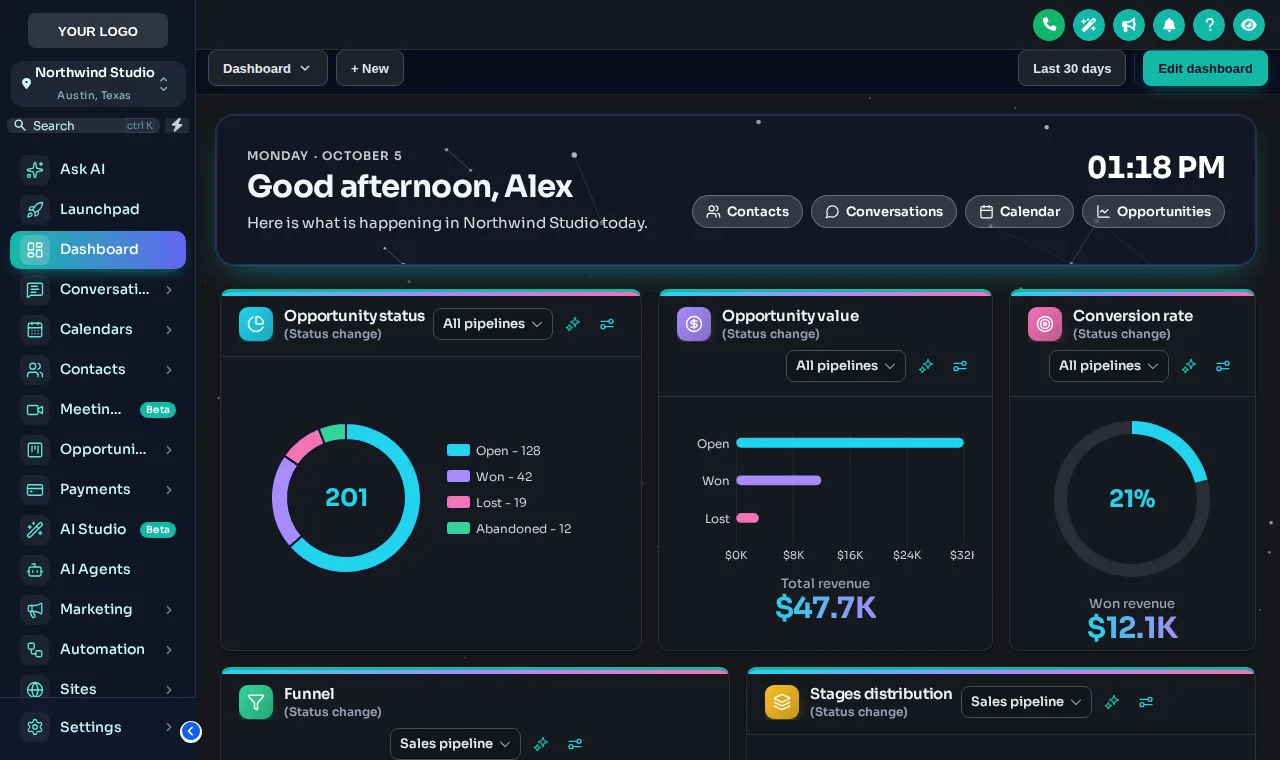
The dashboard is where clients start their day, and in stock GoHighLevel it looks identical in every agency. A designed one makes your product feel like your product from the first second.
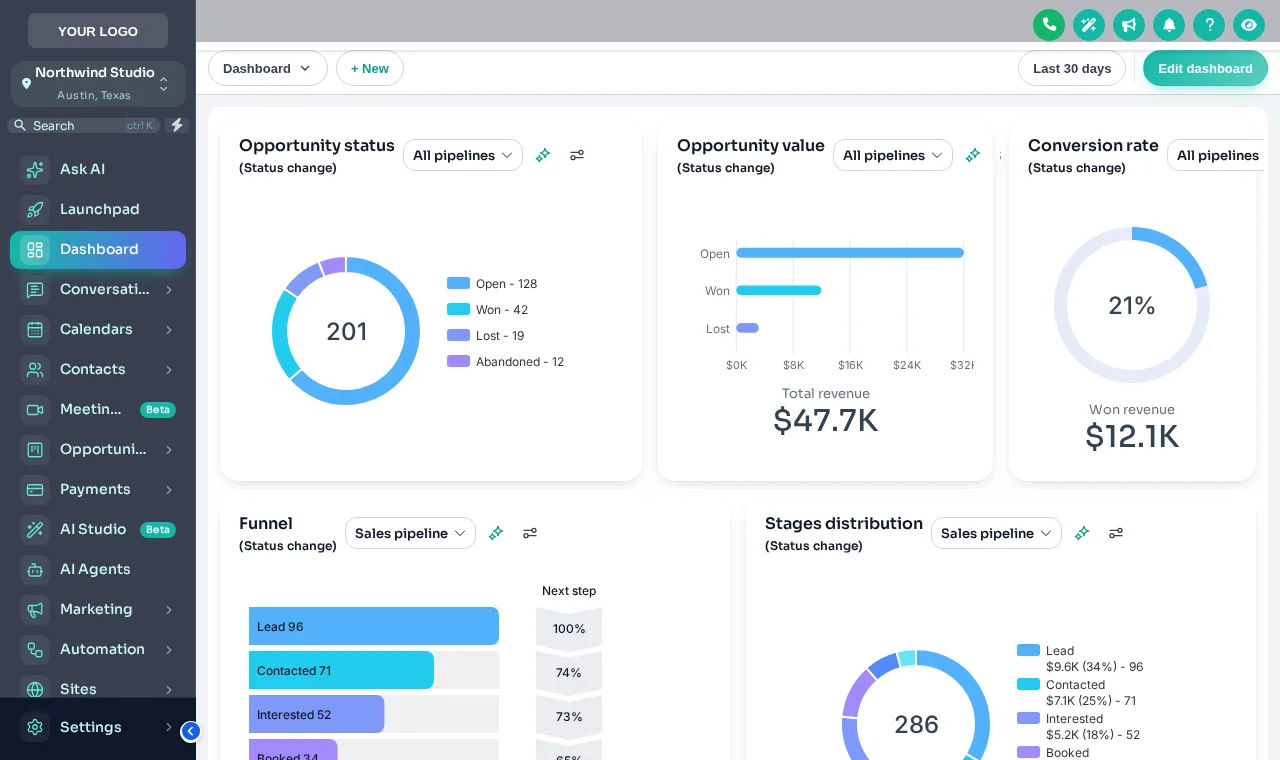
Stock GoHighLevel
- Plain white cards and stock chart colours
- No greeting, no context, no quick links
- Identical to every other agency’s dashboard
With the customizer
- A welcome banner with the user’s name and a live clock
- Cards, numbers and icons in your brand style
- Chart colours that follow your palette in every pipeline
The process
Restyle the dashboard in three steps
Step 1
Pick a design
Open the Dashboard tab in the theme editor, switch the restyle on and click a template.
Step 2
Make it yours
Write the welcome banner, choose a photo, colours and particles, and set the chart colours from your brand.
Step 3
Save
Every sub-account dashboard picks up the design on its next page load, through the line you already installed.
Which package
Dashboard designs come with Top Pro and every package above it
The dashboard designer is part of Top Pro, alongside pipeline designs, mega menus and the contact actions bar.
- Top Starter $217does not include this
- Top Pro $517includes this
- Top Elite $1,047includes this
The rest of the customizer
- 01Login page designs16 animated designs for sign-in, two-factor and password reset Top Starter and up
- 02Themes, UI kits and dark mode27 themes, 11 UI kits and dark mode for every screen Top Starter and up
- 03Sidebar, top bar and menusSidebar, right dock or top bar in 8 styles, 8 mega menu styles Top Starter and up
- 04Popups43 templates in 7 formats, inside GoHighLevel and on websites Top Elite and up
- 05Notifications and social proof94 social proof and widget templates across 32 types Top Elite and up
- 06Pipeline board designs12 opportunities board designs with stage colours by position Top Pro and up
- 07Contact actions barQuick tags and workflow buttons on every contact page Top Pro and up
- 08Floating widgets51 floating contact and chat widget templates Top Elite and up
- 09Calculators134 calculator templates across 14 types Top Elite and up
What is the GHL dashboard designer?
It is the customizer module that restyles the GoHighLevel sub-account dashboard: a welcome banner, the widget cards, chart colours, numbers, icons and the background. It ships 18 designs: 9 light, 3 dark and 6 built around a photo.
Does it change the widgets or the data on the dashboard?
No. Your widgets, filters and numbers stay exactly as GoHighLevel provides them. The designer changes how they look: cards, colours, typography, icons and the banner above them.
What does the welcome banner show?
A greeting with the user’s first name and the sub-account’s name, the date, a live clock and quick links, in a gradient, photo, glass or minimal style with your own title and subtitle.
How do chart colours work with my pipelines?
Charts take colours by position: the first colour for the first stage or status, the second for the next. Because nothing depends on stage names, every pipeline in every sub-account picks up the palette.
Can I use my own photo?
Yes. The 6 photo designs take your own image, with a shade setting that keeps the text readable on top of it.
Is this the same as the custom dashboards sold in the shop?
No. Each ready-made custom dashboard in our catalogue is one finished look in a fixed colour. The designer is part of your customizer account: you choose from every design, edit it yourself and change it whenever you like. Use one or the other on an account, not both, so the two styles do not compete.
Which package includes dashboard designs?
Top Pro ($517 one time) and Top Elite. Top Starter restyles the rest of the app but not the dashboard itself.
Do the particles slow the dashboard down?
They are light, and they stop when the page is left. You can switch them off, or pick a design without them.
Finish your GoHighLevel the way you finished the snapshot
One-time payment, lifetime access. Your login is emailed within minutes, at most 24 hours, and you install it with one line of code.