



GoHighLevel Triggers: Every Type and When to Use Which
The trigger types that start a GoHighLevel workflow, how to choose between them, and the trigger mistakes that cause duplicate sends and silent failures.
Key takeaways
- The trigger decides when a workflow runs; filters decide for whom.
- Prefer specific event triggers over generic tag triggers for traceability.
- A contact satisfying two triggers on one event enters the workflow twice.
- Turn re-entry off unless you have a reason to want it on.
- Check a contact's workflow history to diagnose why something fired.
Contents
A trigger is the event that starts a workflow. Choosing the wrong one is the most common cause of automations that fire twice, fire for the wrong people, or quietly never fire at all.
What a trigger is
Every workflow needs at least one trigger, and can have several. The trigger answers "when does this run". Filters attached to the trigger answer "for whom".
That separation matters. People frequently build three near-identical workflows because they think they need one per form, when they actually need one workflow with one trigger and a filter that branches inside it.
The trigger families
| Family | Examples | Typical use |
|---|---|---|
| Contact | Contact created, contact tag added, custom field changed, birthday | Lifecycle and occasion automation |
| Form and survey | Form submitted, survey submitted | Lead capture and qualification |
| Appointment | Appointment booked, status changed, no-show | Confirmations, reminders, recovery |
| Opportunity | Stage changed, status changed, created | Sales process automation |
| Conversation | Inbound message, outbound message, missed call | Response automation and missed-call text back |
| Payment | Order submitted, payment received, subscription events | Fulfilment, receipts, dunning |
| Membership | Course enrolment, progress events | Onboarding and completion sequences |
| Review | Review received | Response and escalation |
| Inbound webhook | External system posts data | Integration with anything else |
| Trigger link | A tracked link is clicked | Interest scoring and branching |
Choosing the right one
The rule: pick the most specific trigger that describes the real event. Specific triggers are traceable. Generic ones become mysteries in six months.
| You want to | Use | Not |
|---|---|---|
| Respond to a new lead | Form submitted | Contact created |
| Send appointment reminders | Appointment booked | Tag added |
| Follow up an unaccepted quote | Opportunity stage changed | Custom field changed |
| Text back a missed call | Missed call | Inbound message |
| Start a manual handoff | Tag added | Anything else, this is the right case |
Why "contact created" is usually wrong for lead response: contacts are created by imports, by manual entry, by integrations and by every form on the account. A workflow triggered on contact creation will one day fire at two thousand imported contacts, and somebody will have a bad afternoon.
Filters do the real work
Filters narrow which instances of an event count. Nearly every trigger supports them, and using them well means fewer workflows to maintain.
- Form submitted filtered to a specific form, so one workflow does not respond to every form on the site.
- Stage changed filtered to a specific pipeline and stage, so a quote follow-up does not fire on an unrelated pipeline.
- Inbound message filtered by channel, so SMS and Facebook get different handling.
- Tag added filtered to the exact tag, because "any tag added" is chaos.
One workflow with a filtered trigger and internal branching beats five near-identical workflows. When the copy changes, you edit one thing. When five exist, you edit three and forget two, and nobody notices for a month.
Re-entry and duplicate sends
Every workflow has a re-entry setting controlling whether a contact already inside can enter again.
Turn it off by default. Allowing re-entry means a contact who submits a form twice receives the whole sequence twice, simultaneously and out of step. Turn it on only where repetition is genuinely intended, such as an appointment reminder workflow that should run for every booking.
Duplicate sends have three common causes, in order of frequency:
- Two triggers on one workflow matching the same event. Form submitted and contact created both fire on a new lead.
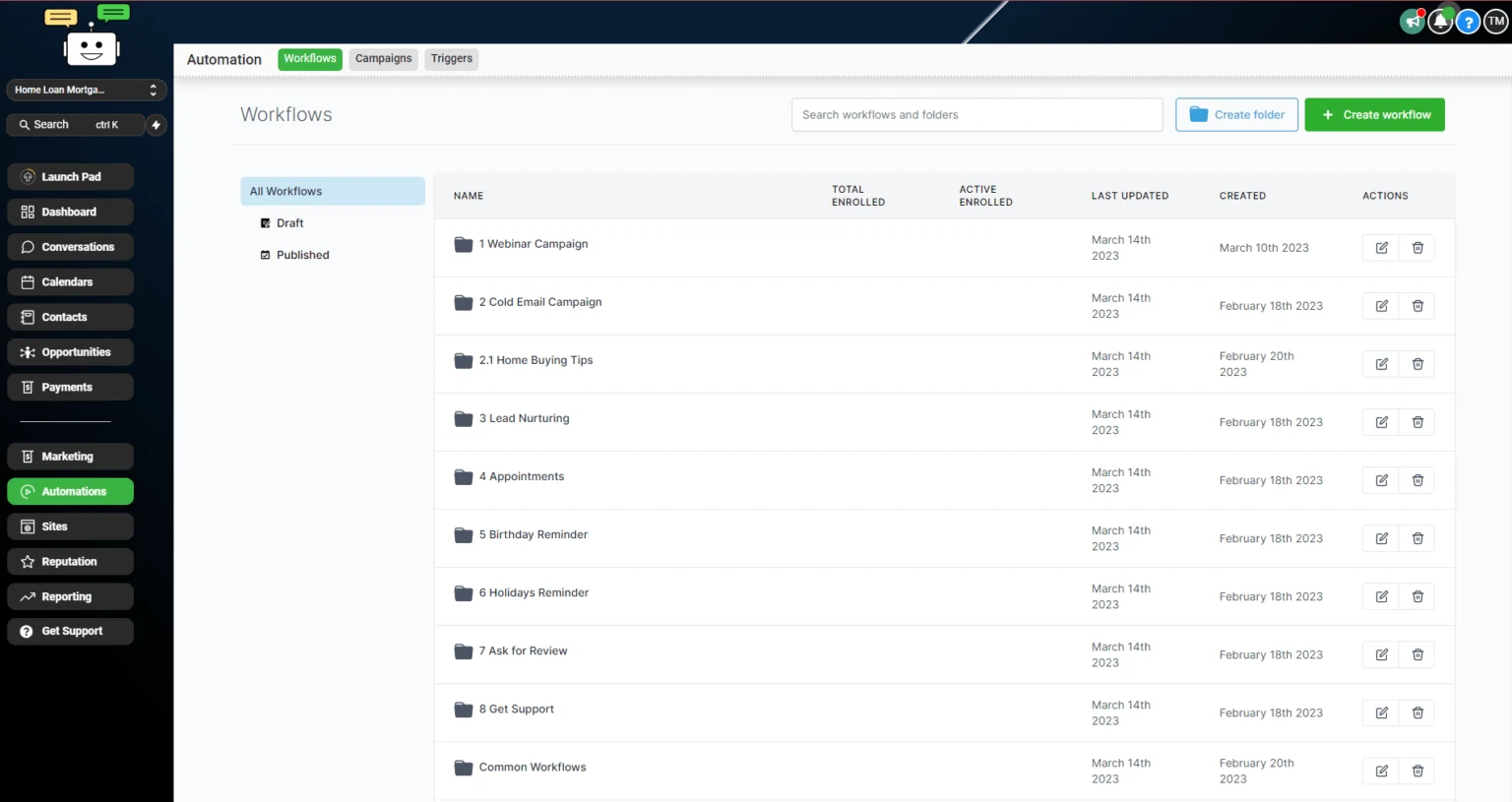
- Two workflows with overlapping triggers. Often an old one nobody remembered to pause.
- Re-entry allowed where it should not be.
To diagnose, open the contact and look at their workflow history. It shows which trigger admitted them and when, which is faster than reasoning about it from the builder.
Trigger mistakes
- Using contact created for lead response. It will eventually fire at an import.
- Tag triggers everywhere. Convenient to build, untraceable to debug. Anything can add a tag.
- No filter on a form trigger. Every form on the account now runs the same sequence.
- Re-entry left on. Duplicate sequences running in parallel.
- Old workflows left published. Pause anything you have superseded, do not just stop editing it.
- No quiet hours. A trigger firing at 3am sends at 3am unless the workflow says otherwise.
- Testing with a real contact. Use a test contact with your own number, or your best customer receives the draft.
Workflows with the triggers already right
Our snapshots ship with specific, filtered triggers and re-entry configured deliberately, so nothing fires twice on import day.
Browse workflowsQuick answers
Frequently asked questions
What is a trigger in GoHighLevel?
A trigger is the event that starts a workflow. Every workflow needs at least one, and a workflow can have several so different events lead into the same sequence. The trigger determines when the automation runs; filters on the trigger determine for whom.
Can a workflow have more than one trigger?
Yes, and it is often the right design. A follow-up sequence might start from a form submission, an inbound call or a tag added manually. Just be careful that a contact cannot satisfy two triggers on the same event, or they enter twice.
Why did my workflow fire twice for the same contact?
Usually two triggers matching the same event, two workflows with overlapping triggers, or re-entry being allowed when it should not be. Check the contact's workflow history, which shows exactly which trigger admitted them and when.
What is the difference between a trigger and a filter?
The trigger is the event. The filter narrows which instances of that event count. Form submitted is the trigger; form submitted where the form is the emergency intake form is the trigger plus a filter.
Should I use tags as triggers?
Sparingly. Tag-added triggers are convenient and become hard to trace, because any workflow, any user or any integration can add a tag. Prefer a specific event trigger where one exists, and reserve tag triggers for genuinely manual handoffs.
Sources
Where this leaves you
Skip the build. Import a working GoHighLevel account instead.
Everything above is buildable by hand, and most people never finish. A snapshot is the same setup already made: funnels, pipelines, calendars, the prebuilt website and the automations, written for one industry and wired together before it reaches you.
- Delivered within 24 hours by email
- Install on unlimited sub-accounts you manage
- 20 hours of setup help across 15 days
Mentioned in this article
Keep reading
All articles
🚀 How to Automate Client Onboarding with AI Workflows in GoHighLevel
Bringing on a new client should be exciting—not exhausting. However, the onboarding process is often marred by back-and-forth emails, missed
November 18, 20255 min read
How to Use Workflow AI for Pre-Call Lead Qualification in GoHighLevel
Time is your most valuable asset—especially when it comes to sales. Jumping on calls with leads who aren’t ready, aren’t
November 4, 20255 min read
GoHighLevel Workflows vs n8n: Which One for Which Job
GoHighLevel workflows own the customer lifecycle. n8n owns everything between systems. Where each one wins, and how to run both without duplicating logic.
June 12, 20256 min read