Skip to content
Save 20% on every snapshot, funnel and workflowBrowse the catalogue

Done-for-you dashboard

Level 1 Red GoHighLevel Dashboard

A high-contrast red dashboard theme for agencies that want the numbers to feel urgent.

4.8 (77)30 sold in the last 30 days

14 people are viewing this right now

app.gohighlevel.com
GHL Custom Dashboard - L1 - Red Color
$550$688Save 20%

One-time payment. Unlimited installs. One year of free updates.

Only 9 seats left in this pricing cohort

  • Emailed within 24 hours of purchase
  • Install on unlimited sub-accounts you manage
  • 14-day replacement guarantee on every snapshot
  • Secure checkout by Stripe

Delivered in 24 hours

Share link by email

Unlimited installs

Every account you manage

Free updates

For a full year after purchase

Secure checkout

Handled by Stripe

What this replaces

Built from the patterns that actually convert in this category.

  1. 01

    The default dashboard says nothing

    Clients log in, see a generic grid of numbers, and log straight back out without learning anything.

  2. 02

    It looks like everyone else's

    White-label agencies charge premium retainers on an interface that is visibly identical to every competitor's.

  3. 03

    The important numbers are buried

    Pipeline value and booked appointments sit below widgets nobody looks at.

A look at the build

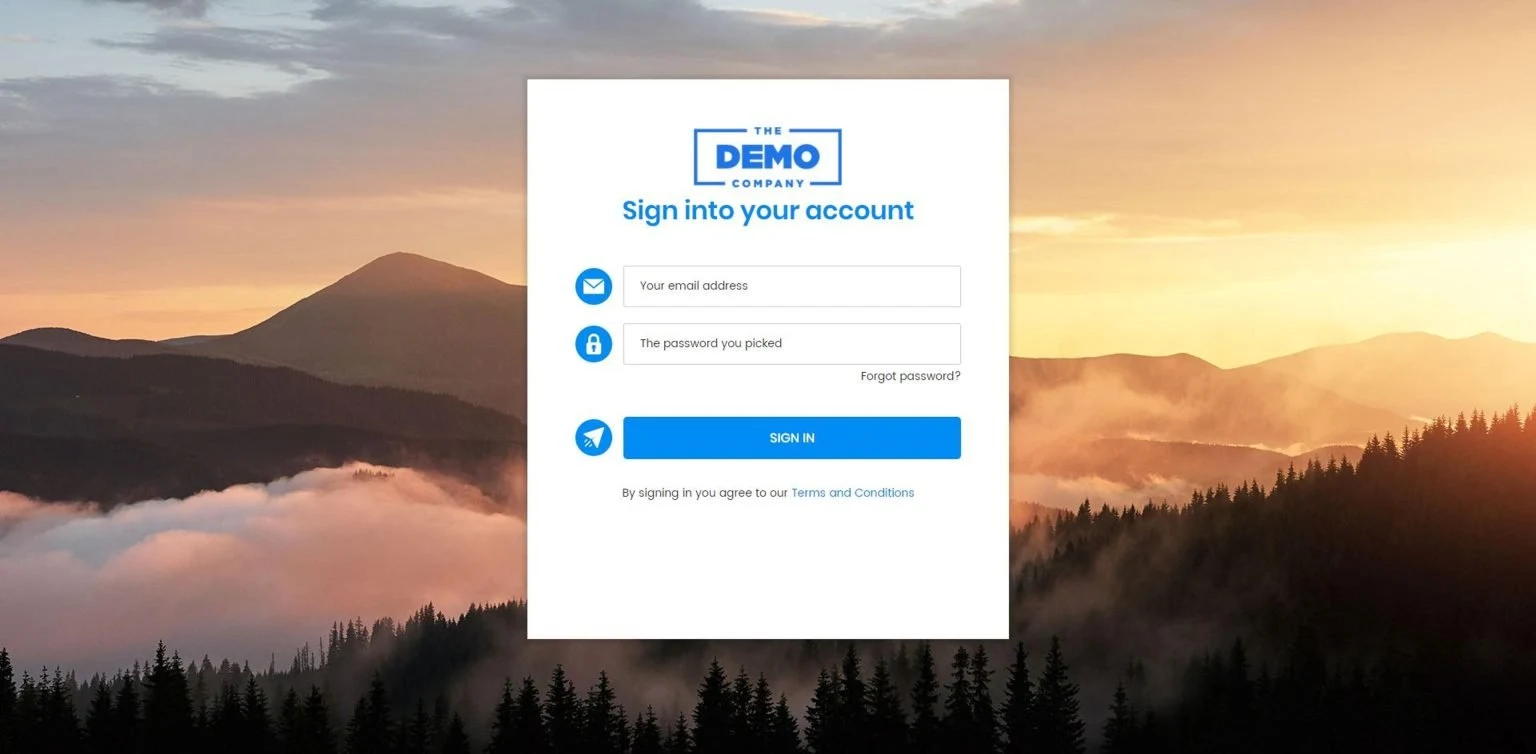
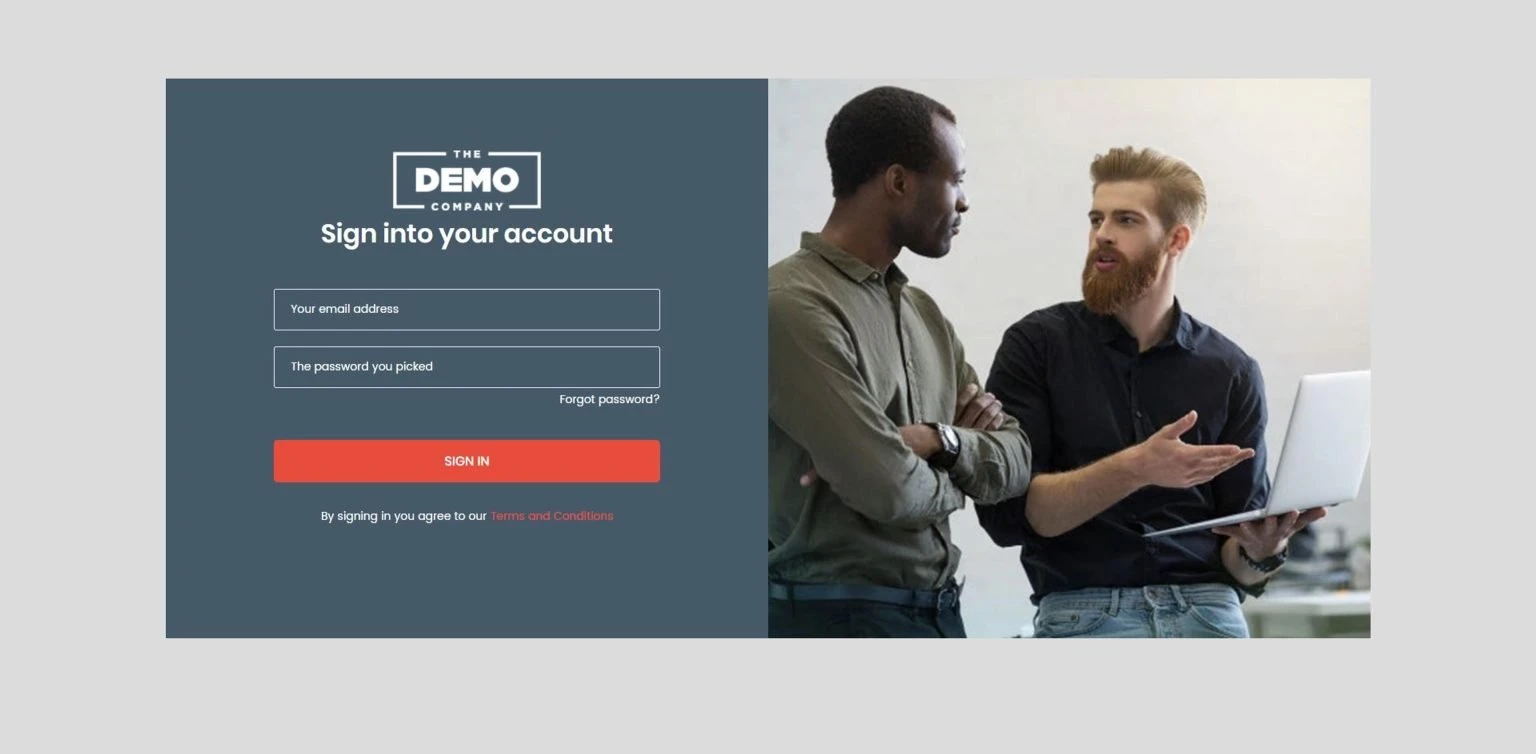
GHL Custom Dashboard - L1 - Red Color

Problem and fix

Which part solves which problem

Every claim below names the mechanism behind it. If a feature is not doing a job on this list, it is not in the Level 1 Red snapshot.

The problem

The default dashboard says nothing

Clients log in, see a generic grid of numbers, and log straight back out without learning anything.

What removes it

Booking with layered reminders

The appointment is booked against real availability, then confirmed and reminded twice before it happens, which is what actually cuts no-shows.

The problem

It looks like everyone else's

White-label agencies charge premium retainers on an interface that is visibly identical to every competitor's.

What removes it

AI chat widget on every page

Do you cover my area gets answered in the moment, instead of the lead closing the tab and asking someone else.

The problem

The important numbers are buried

Pipeline value and booked appointments sit below widgets nobody looks at.

What removes it

Review harvesting with a rating gate

Happy leads are pushed to Google. Unhappy ones are routed to a private feedback form first, so the problem reaches you before it reaches the public.

Everything wired and working on import

Reordered metric hierarchy

Revenue, pipeline value and booked appointments move to the top of the view.

Complete colour treatment

Headers, charts, widgets and states all follow one colour system rather than the default.

Mobile parity

Tested against the LeadConnector app so the client sees the same quality on a phone.

Documented code block

Variables at the top, comments throughout, so adjusting it later does not mean reverse engineering.

Agency-level application

Apply once at agency level and every sub-account inherits it.

Update coverage

When HighLevel changes dashboard markup, an updated version is issued free.

What is true once it is running

A dashboard worth opening

Hierarchy that puts revenue and booked work first, so the client sees value in the first three seconds.

Visibly your own product

A distinct colour system and layout that makes the platform feel built rather than resold.

Consistent across every client

Applied at agency level, every sub-account inherits the same treatment automatically.

What ships in the box

Custom-styled GoHighLevel dashboards that replace the default view with something clients want to open.

Delivery
Code and guide by email within 24 hours
Format
Custom CSS and JavaScript with install notes
Applies to
Sub-account or agency dashboard
Installs
Unlimited sub-accounts you own or manage
Updates
Free for one year after purchase
Requires
A GoHighLevel account with custom code enabled
  • Full dashboard layout

    A replacement for the default HighLevel dashboard with a considered information hierarchy.

  • Metric widgets

    Pipeline value, conversion rate, appointment volume and revenue widgets, pre-arranged.

  • Colour theme

    A complete colour treatment applied across widgets, charts and headers.

  • Custom CSS and JS

    The code block that produces the layout, documented so you can adjust it.

  • Responsive behaviour

    Tested on the desktop dashboard and the LeadConnector mobile view.

  • Install guide

    Step-by-step instructions for adding the dashboard to a sub-account or agency view.

Done for you

Done for you, then 20 hours of support

The snapshot is not the end of it. You get 20 hours of hands-on customisation, usable across the 15 days that start once your snapshot is delivered.

15days of customisation
support, included
Talk to us first
  • Set the automations up around your own process rather than the default timing
  • Rewrite any copy that does not sound like your business
  • Apply your branding: logo, colours, sender identity and domain
  • Customise the website pages, sections and offers
  • Connect your phone number, sending domain, calendar and Stripe
  • Walk your team through the build on a call

From checkout to live

No developer, no export files and no waiting on a build queue.

Have us install it
  1. 1

    Order and receive the code pack

    The custom CSS and JavaScript, plus the install guide, arrive by email.

  2. 2

    Open custom code settings

    In HighLevel go to Settings, then Custom CSS and JavaScript, at either sub-account or agency level.

  3. 3

    Paste the block

    Drop the code in and save. The dashboard restyles immediately on refresh.

  4. 4

    Adjust the colour variables

    The variables sit at the top of the block. Change them to match your brand.

  5. 5

    Check the mobile view

    Confirm the layout in the LeadConnector app so client-facing views look right too.

1 paste

Install is a single code block into custom CSS and JavaScript

Agency-wide

One application styles every client sub-account

Variables

Colour values exposed at the top of the block for quick rebranding

Questions before you buy

Something not covered here?Email usand a person will answer.

Does it change any of my data?

No. It restyles the presentation layer only. Every figure still comes from HighLevel and no records are touched.

Can I combine it with my white-label branding?

Yes. It sits on top of your existing white-label domain and logo settings rather than replacing them.

How does a custom dashboard get installed?

The dashboard is delivered as a custom code block. You paste it into the sub-account's custom CSS and JavaScript settings, or apply it at agency level to affect every sub-account. The install guide covers both.

Will a HighLevel update break it?

HighLevel occasionally changes dashboard markup, which can affect custom styling. Updates are issued free when that happens, so you reapply the current version rather than rebuilding.

Can I change the colours?

Yes. The colour values sit in variables at the top of the code block, so a whole retheme is a handful of edits.

Does it work for white-label agencies?

Yes. Applying it at agency level means every client sub-account inherits the styling, which is the usual reason to buy one.

Does it change my data?

No. It restyles the presentation layer only. Every number still comes from HighLevel and nothing about your records changes.

Often bought together

Browse everything

Do not have GoHighLevel yet?

Start your GoHighLevel account through our link and we will take 15% off any snapshot you buy. Email us the account you signed up with and we apply it to your order.

We earn a commission if you sign up through that link, at no extra cost to you.Full disclosure.